LinkedIn PDF Carousel Guide 2026: Size, Layout and Export Settings
Quick answer: Build LinkedIn document posts as a clean PDF with one idea per page. A square 1080×1080 canvas is a dependable mobile-first choice; portrait pages can create more screen presence, but test readability. Embed fonts, keep body text large, compress images sensibly and open the final PDF before upload.
Last verified: September 5, 2026.
Recommended working settings
| Setting | Practical recommendation |
|---|---|
| File | |
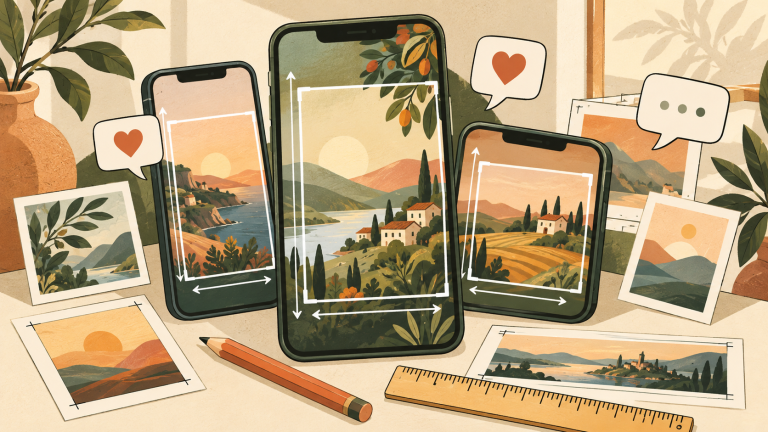
| Page shape | 1:1 square or mobile-readable portrait |
| Square canvas | 1080×1080 px |
| Color | sRGB |
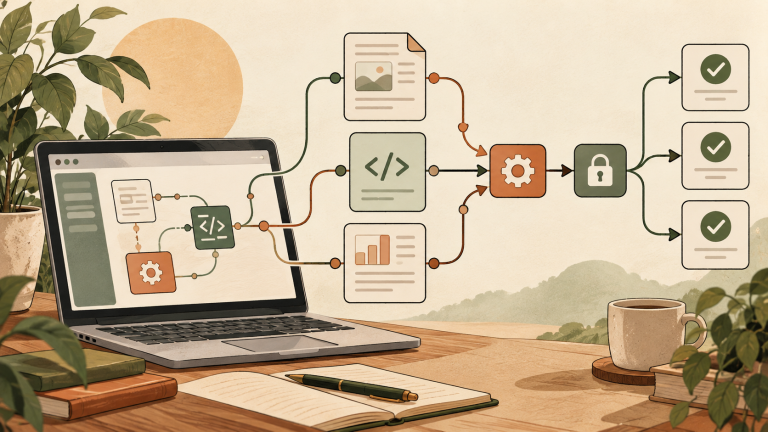
| Fonts | Embed during export |
| Structure | One message per page |
LinkedIn’s current upload rules should be treated as the hard limit; the dimensions above are design recommendations. Check the upload dialog for current file-size and page-count limits because products change.
A page sequence that earns swipes
- Cover: promise one specific outcome.
- Problem: name the costly mistake.
- Framework: show the method in three to five parts.
- Examples: make the advice concrete.
- Recap: compress the value into a saveable checklist.
- Next step: ask for one action, not three.
Typography and safe margins
Design for a phone, not a desktop PDF viewer. Use a strong hierarchy, short lines and generous margins. Keep important text away from the outer edge so it does not feel cramped in previews. Avoid screenshots of dense documents; recreate the important information as native text.
If a page needs a paragraph to work, split it. A carousel is closer to a sequence of posters than a downloadable report. Put citations in a readable final page or the post copy and keep the source URLs available.
Export checklist
- Export pages in the intended order.
- Embed fonts and inspect substituted glyphs.
- Use sRGB images and remove unnecessary print marks.
- Open the PDF on a phone and zoom to 100%.
- Check links, page count and file size.
- Write a descriptive document title and post caption.
For motion instead of documents, see our LinkedIn video specifications guide.
FAQ
Is 1080×1080 an official required size?
No. It is a practical design canvas that maps well to a square mobile page. LinkedIn accepts documents rather than requiring that pixel dimension.
Should I upload PPTX or PDF?
PDF is easier to validate consistently because the layout is fixed. Whatever format you choose, inspect the uploaded preview before publishing.
How many pages should I use?
Use only the pages needed to deliver the promise. A concise six-page guide usually beats a padded twenty-page deck.
Example six-page carousel
- “Your PDF carousel is too dense.”
- Show the unreadable before example at phone size.
- Introduce the one-idea-per-page rule.
- Compare weak and strong type hierarchy.
- Give the export and preview checklist.
- Close with “Save this before your next upload.”
This sequence creates tension, proof and resolution without requiring a twenty-page deck. The caption can add context, link a source and ask one relevant question. If the document is educational, preserve a text version on an accessible webpage so search engines and assistive technology are not forced to interpret a visual PDF alone.
Quality-control test
Send the PDF to a phone, view it at normal feed size, and ask a reviewer to explain each page after two seconds. If the message needs zooming or narration, simplify the page.
References
From the publisher: how I would decide
I would treat a document carousel as a short lesson rather than a slide deck squeezed into a feed. For MSL, one useful idea per page matters more than a large page count. I would read the exported PDF on a phone and check whether the final page offers a sensible next step. If the type needs zooming to understand the argument, I would cut material before increasing decoration. The PDF should be complete enough to help a reader even without a visit to the full article.