
Pinterest Pin Image Sizes 2026: Ratios, Cropping and Design
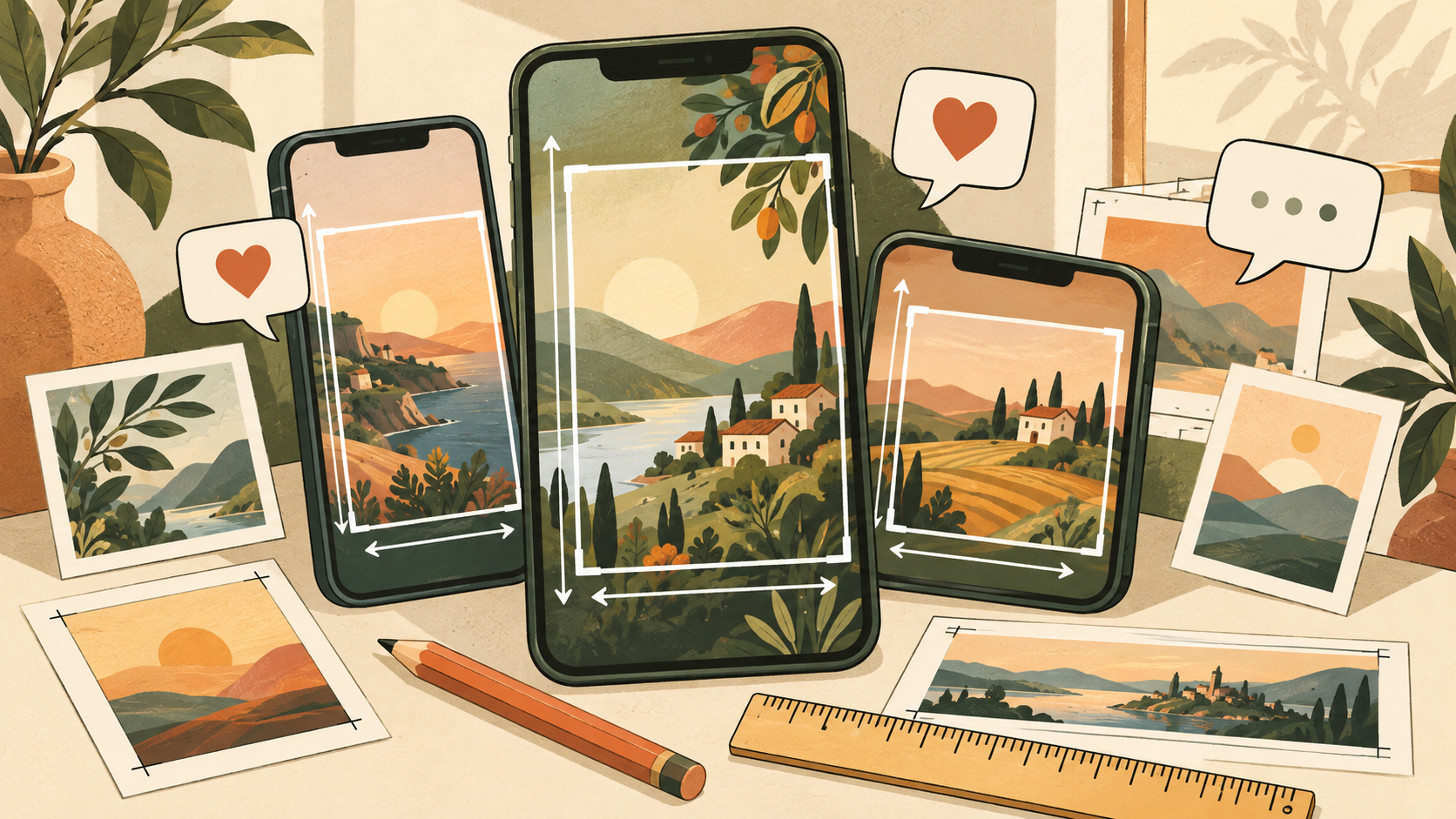
Quick answer: Start standard Pins at a 2:3 aspect ratio, commonly 1000×1500 pixels. Square assets can work, while very tall images may be shortened in the feed. Keep the main promise, product and brand inside a clear central composition and verify the current placement requirements before launching ads.
Last verified: September 5, 2026.
Recommended Pinterest working sizes
| Format | Canvas | Best use |
|---|---|---|
| Standard Pin | 1000×1500 (2:3) | Most evergreen content |
| Square Pin | 1000×1000 (1:1) | Reusable brand assets |
| Vertical video | 1080×1920 (9:16) | Immersive mobile creative |
The table gives practical production masters, not a substitute for the current Pinterest product specification. Requirements can differ between organic content and advertising placements.
Design for discovery, not just aesthetics
Pinterest users often scan for an answer or future project. The image should state the utility immediately. Use a specific headline—“7 Balcony Herb Layouts”—instead of a vague label such as “Garden Ideas.” Show the result, keep type readable, and make the landing page deliver the same promise.
Avoid putting the headline against a busy background. Add contrast with a solid panel, gradient or subtle shadow. Test the design at thumbnail size; if the promise disappears, the Pin is not finished.
Prevent avoidable cropping
- Keep key text and faces away from the extreme edges.
- Do not rely on a very tall image being fully visible in-feed.
- Use one focal point rather than a collage of tiny details.
- Preview on mobile before scheduling.
- Export in sRGB and inspect compression.
For motion Pins, use our dedicated Pinterest video specifications guide.
SEO and accessibility
Give the Pin a natural title and description that match the page. Use relevant words because they explain the content, not because a list of keywords looks comprehensive. Add meaningful alternative text where the interface provides it. A strong image cannot rescue a weak or misleading destination.
FAQ
Is 1000×1500 mandatory?
No. It is a widely useful 2:3 working size. Use Pinterest’s current official specification for hard limits and placement-specific requirements.
Are long infographic Pins still useful?
They can be, but very tall creative may be truncated in feeds. Put the core promise and first useful point near the top.
PNG or JPEG?
Use JPEG for photographic artwork and PNG when flat graphics or sharp text benefit from it. Compare file size and visual quality after export.
Three useful Pin layouts
How-to: place the result at the top, a short numbered promise in the middle and a small brand mark below. Checklist: use a high-contrast headline and three visible steps, then send readers to the complete list. Product: show one clear product in use rather than a crowded catalog. Each layout should still make sense when Pinterest displays a smaller crop.
Pre-publish test
- View the Pin at 200 pixels wide.
- Read the headline in under two seconds.
- Confirm the image and landing page promise match.
- Check the mobile crop and link.
- Record the creative version in the UTM content value.
Measure outbound clicks and engaged sessions, not impressions alone. A high-save Pin can build long-term discovery, while a misleading high-click Pin produces weak sessions.
References
From the publisher: how I would decide
I would judge a Pin together with the page it opens. A clear promise in the image creates a responsibility for the article to answer it. For MSL, I would choose one specific question and build the Pin around that result, then inspect it at feed size. If the heading becomes unreadable, a larger source file alone will not solve the composition. I would simplify the message first and keep the destination’s wording consistent with what drew the click.
