Google Business Profile Photo and Video Sizes 2026
Quick answer: Google Business Profile photos should be JPG or PNG, 10 KB to 5 MB, with 720×720 recommended and 250×250 as the minimum. Videos can be up to 30 seconds, 75 MB and must be at least 720p. Use clear, realistic media that accurately represents the location, product or service.
Last verified: August 31, 2026
Google Business Profile media requirements
| Asset | Official requirement | Practical recommendation |
|---|---|---|
| Photo format | JPG or PNG | JPG for photography; PNG for simple graphics |
| Photo file size | 10 KB to 5 MB | Compress without visible artifacts |
| Photo resolution | 720×720 recommended; 250×250 minimum | Upload a clean 1200×1200 or comparable high-quality square when appropriate |
| Video duration | Up to 30 seconds | 15–30 seconds |
| Video file size | Up to 75 MB | H.264 MP4 comfortably below the limit |
| Video resolution | 720p or higher | 1080p |
Best photo settings
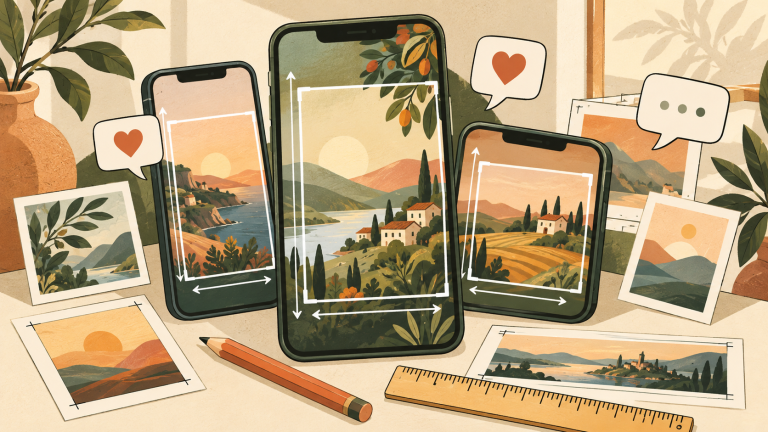
Use an in-focus, well-lit image without heavy filters or misleading alterations. Google’s central requirement is not a cinematic look; it is an accurate representation of the business. A square image works well for logos and many general uploads, but storefront and interior photographs can also use wider compositions. Keep the main subject away from the extreme edges because Google may crop media differently across Search and Maps.
Best video export settings
Create a 1920×1080 sequence, keep the final duration at 30 seconds or less, and export H.264 MP4 with AAC audio. A bitrate around 6–10 Mbps generally keeps a short 1080p video under 75 MB. This bitrate range is a practical recommendation, not a Google rule. Confirm the final duration and file size before upload.
- Show one clear business story: exterior, interior, team at work, product or service.
- Keep the edit under 30 seconds.
- Export at 1080p using H.264 MP4.
- Keep audio intelligible but make the visual understandable without sound.
- Check that the final file is below 75 MB.
- Upload through the verified Business Profile and monitor its status.
Logo, cover photo and business photos
Google distinguishes a logo, a cover photo and general business photos. The logo helps customers identify the business. A cover photo represents the profile, but Google warns that selecting one does not guarantee it will always appear as the first image. General business photos should help a visitor understand the storefront, products, services and atmosphere.
Why media is pending or not approved
Google reviews uploaded media. “Pending” can mean the file is still uploading or processing, or that the profile is not verified. “Not approved” means the media was flagged under policy. “Live” means it can appear to customers on Search and Maps. Google notes that media may take 24–48 hours to appear.
- Confirm the profile is verified.
- Avoid duplicates.
- Use sharp, properly exposed original media.
- Avoid excessive filters, misleading composites and unrelated stock imagery.
- Make sure the content represents the actual business.
FAQ
What is the best Google Business Profile image size?
Google recommends 720×720 pixels and requires at least 250×250. A larger clean source can be useful, but composition and authenticity matter more than uploading an enormous file.
Can a Business Profile video be longer than 30 seconds?
The official upload requirement is up to 30 seconds. Create a shorter dedicated cut rather than relying on trimming after upload.
Why is my selected cover photo not first?
Google explicitly says a selected cover photo is not guaranteed to appear first in every context.