Pinterest Video Specs 2026: Size, Aspect Ratio, Length and Safe Zones
Quick answer: For most full-screen Pinterest video creative, use a vertical 9:16 canvas such as 1080×1920. Pinterest accepts several formats and ratios depending on the Pin or ad type, so the correct setting depends on where the video will appear.
Last verified: August 30, 2026
Pinterest video settings at a glance
| Use case | Recommended ratio | Practical export |
|---|---|---|
| Full-screen Idea creative | 9:16 | 1080×1920 MP4 |
| Standard feed Pin | 2:3 | 1000×1500 or equivalent video |
| Square creative | 1:1 | 1080×1080 |
| Collections video hero | 1:1, 2:3, or 9:16 recommended | H.264 MP4 |
Official limits vary by format
Pinterest’s product specification page lists different limits for Idea ads, Showcase ads, collections, and other placements. For Idea-style full-screen creative, Pinterest recommends 1080×1920, allows H.264 or H.265 encoding, and supports videos up to five minutes in that format. Other ad products may limit videos to 3–60 seconds or use different maximum file sizes.
Do not copy one specification table into every campaign. Identify the actual placement first, then export for that placement.
Best general-purpose export settings
- Container: MP4
- Codec: H.264 for broad compatibility
- Frame rate: Match the source, normally 24–30 fps
- Pixel aspect ratio: Square pixels
- Audio: AAC, 48 kHz
- Color: Rec.709 SDR unless the campaign requires another workflow
Safe zones for vertical Pinterest creative
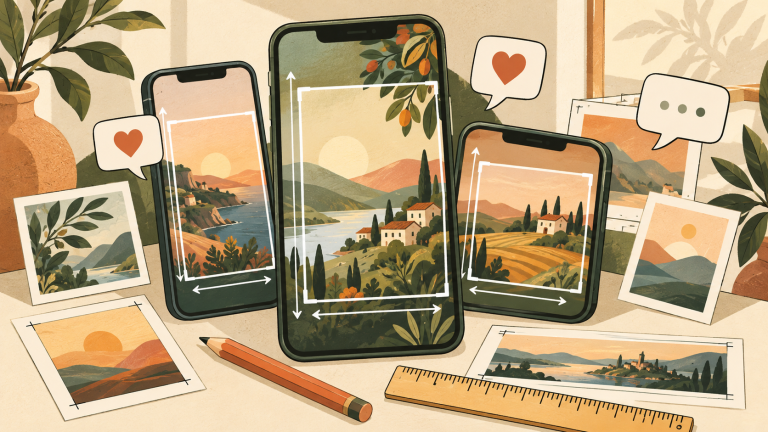
Interface elements can cover the top, sides, and bottom of a full-screen Pin. Pinterest’s current Idea ad guidance identifies substantial safe-zone margins, including 270 pixels at the top and 440 pixels at the bottom on a 1080×1920 reference canvas. Keep headlines, product names, prices, and calls to action in the central area.
2:3 or 9:16: which should you choose?
Choose 2:3 for feed-first content
A 2:3 Pin occupies strong vertical space without depending on a full-screen viewer. It is often a good fit for recipes, product demonstrations, and step-based educational content.
Choose 9:16 for immersive vertical content
Use 9:16 when the selected placement is designed for full-screen viewing. Reframe important subjects toward the center and leave room for the interface.
Export workflow
- Confirm whether the campaign uses an organic Pin, Idea format, or a specific ad product.
- Create the timeline at the chosen aspect ratio.
- Keep text inside the placement’s safe zone.
- Export H.264 MP4 with a constant frame rate.
- Check file size and duration against the selected Pinterest product.
- Upload privately or in draft form and inspect the mobile preview.
Common problems
- Using a 16:9 landscape export and accepting automatic cropping.
- Placing a CTA at the bottom where controls cover it.
- Assuming every Pinterest format uses the same duration limit.
- Exporting variable-frame-rate phone footage without transcoding it.
FAQ
Does Pinterest support H.265?
Some current Pinterest products list both H.264 and H.265. H.264 remains the safer default when compatibility matters.
What is the best Pinterest video size?
Use 1080×1920 for supported full-screen 9:16 placements. Use 1000×1500 or another 2:3 canvas for feed-first creative.
How long can a Pinterest video be?
It depends on the product. Current official specifications range from short 3–60 second formats to Idea creative with a maximum of five minutes and collections video with different limits.