Gemini Audio Overviews: Turn Documents and Research Into a Podcast
Last verified: August 30, 2026
What is a Gemini Audio Overview?
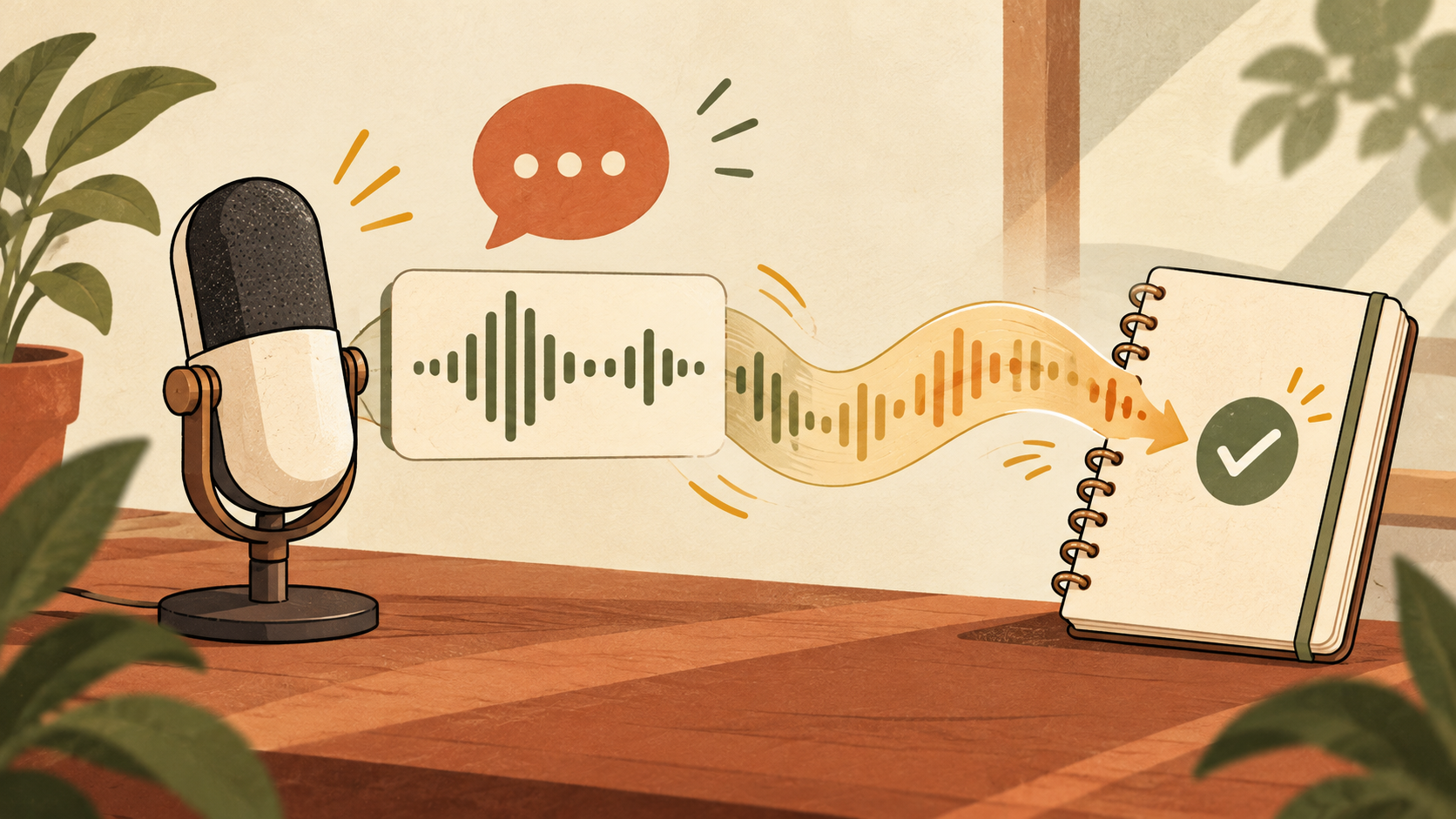
An Audio Overview is an AI-generated spoken discussion based on material supplied to Gemini. It can help you review a report while commuting, create an accessible first pass through a long document, or hear the main ideas framed conversationally. It is a summary, not a verbatim reading and not an authoritative replacement for the source.
Supported source types
| Source | Best use | Watch for |
|---|---|---|
| Document | Reports, articles, meeting notes | Context in appendices or footnotes |
| Slides | Presentations and training decks | Charts needing verbal explanation |
| NotebookLM notebook | Multi-source research | Conflicting sources |
| Deep Research report | Cited topic briefing | Source freshness and regional differences |
How to create an Audio Overview
- Open Gemini and start a chat with access to the source.
- Upload a supported file, select a NotebookLM notebook, or finish a Deep Research report.
- Choose Audio Overview when available.
- Describe the audience, objective, depth, and topics to emphasize.
- Generate the overview and test the opening for scope and pronunciation.
- Compare claims, numbers, and quotations with the original.
- Regenerate with narrower instructions when key information is missing.
Prompt template
Create an Audio Overview for [audience].
Goal: [what the listener should understand].
Prioritize: [three topics].
Define technical terms in plain English.
Separate source facts from interpretation.
Do not invent examples, numbers, or quotations.
End with five takeaways and three open questions.
Best use cases
Review a report away from the screen
Use the audio as a first pass, then return to the source for decisions. Audio is good for themes and relationships but poor for long tables and dense numeric detail.
Prepare for a meeting
Ask for decisions, disagreements, evidence, and unresolved questions instead of a generic summary.
Learn unfamiliar material
Ask the speakers to define terminology and use one grounded example per concept. Request a separate source list so unfamiliar claims can be checked.
Provide another consumption format
Audio can support accessibility, but important documents still need accessible structure, captions or transcripts, and appropriate alternative formats.
Accuracy checklist
- Verify names, dates, prices, statistics, and quotations.
- Confirm each major claim appears in a selected source.
- Look for omitted limitations and minority viewpoints.
- Check that two sources were not merged into one unsupported claim.
- Do not publish confidential source material without permission.
Gemini vs NotebookLM Audio Overviews
Both can create podcast-style explanations, and Gemini can use NotebookLM notebooks as input. NotebookLM is especially useful when a curated source notebook is the center of the workflow. Gemini is convenient when the source already exists in a Gemini chat or Deep Research process. Controls and availability can differ by account and device.
Troubleshooting
The option is missing
Check account eligibility, language, platform, plan, app version, regional rollout, and whether you supplied a supported source.
The audio is too generic
Name the audience, narrow the topic, require sections, and distinguish source facts from interpretation.
Numbers are difficult to follow
Include only the most important numbers in audio and keep the original table available.
FAQ
Can Gemini create one from a PDF?
Gemini supports source documents; exact file support and controls can vary by account and interface.
Can I publish it as a podcast?
Check sharing controls, copyright, source permissions, privacy, and platform AI-disclosure rules before publishing generated audio.
Does it quote the source exactly?
No. Treat it as an AI-generated discussion unless a passage is explicitly checked against the source.
Official sources
Bottom line: Use Audio Overviews to understand themes quickly, then verify exact facts and permissions before sharing or acting.