Claude Voice Mode: How to Talk With Claude on Mobile, Web, and Desktop
Last verified: August 30, 2026
What Claude Voice Mode does
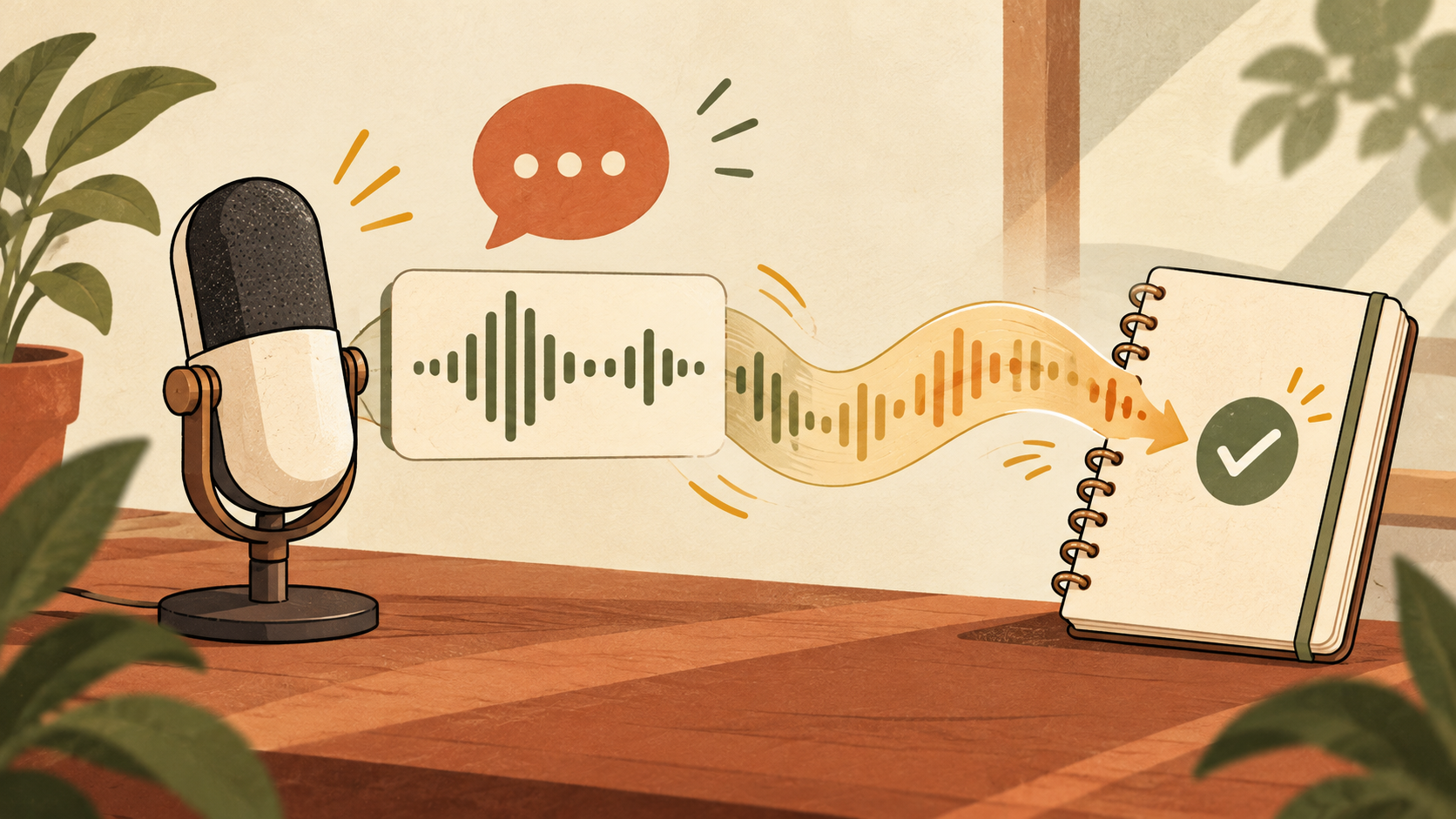
Voice Mode is a two-way conversation: you speak, Claude listens, and Claude replies aloud. It is different from dictation, which converts speech into a written prompt and returns text. Voice Mode is useful for hands-free brainstorming, language practice, presentation rehearsal, and working through a problem away from the keyboard.
Supported platforms
| Platform | Where it works | Note |
|---|---|---|
| iPhone and iPad | Claude mobile app | Best for hands-free use |
| Android | Claude mobile app | Microphone permission required |
| Web | Claude.ai | Browser permission required |
| Desktop | Claude Desktop | Useful alongside other apps |
How to start a voice conversation
- Update Claude or open Claude on the web.
- Sign in and open a conversation.
- Select the voice or microphone control.
- Allow microphone access.
- Set the Voice language under Settings > General.
- Speak naturally and pause for Claude to respond.
Voice Mode vs dictation
Use Voice Mode for an ongoing spoken exchange. Use dictation when you want to compose a precise written prompt, inspect it, and send it manually. Dictation is often safer for names, URLs, code, and detailed instructions because errors can be corrected before submission.
Practical workflows
Brainstorm with structure
Say: “Help me plan a campaign. Ask one question at a time, then summarize the final ideas as a checklist.” This prevents a spoken session from becoming a loose conversation.
Practice a presentation
Read your opening aloud and ask Claude to identify unclear phrases, missing context, and likely audience questions. Ask for targeted feedback if you want to preserve your own style.
Learn a language
Choose the Voice language separately from the display language. Ask Claude to slow down, correct only major mistakes, and finish with a short recap.
Use connected tools carefully
Voice Mode can work with connected tools. Ask Claude to show a proposed message, calendar event, or file action before it is completed.
Privacy checklist
- Do not speak passwords, authentication codes, private client data, or financial identifiers.
- Check app, browser, and operating-system microphone permissions.
- Use headphones in shared spaces.
- Review Anthropic’s retention settings for your plan.
- Verify important claims in the transcript or original source.
Troubleshooting
The voice button is missing
Update the app, confirm your platform, and remember that beta availability can roll out gradually.
Claude cannot hear you
Check the selected input device, system and browser permissions, mute controls, and whether another app is using the microphone.
The wrong language is detected
Set Voice language under Settings > General. It is separate from the interface language.
FAQ
Is Claude Voice Mode free?
Anthropic lists the beta on all plans, including Free. Available usage varies by plan and current limits.
Does it work on desktop?
Yes. Anthropic lists the web and Claude Desktop in addition to iOS and Android.
Is dictation the same feature?
No. Dictation creates a text prompt; Voice Mode is a spoken two-way conversation.
Official sources
Bottom line: Use Voice Mode for conversation and ideation; use dictation when every word must be reviewed before sending.