What Is Generative AI? A Beginner-Friendly Guide to Getting Started
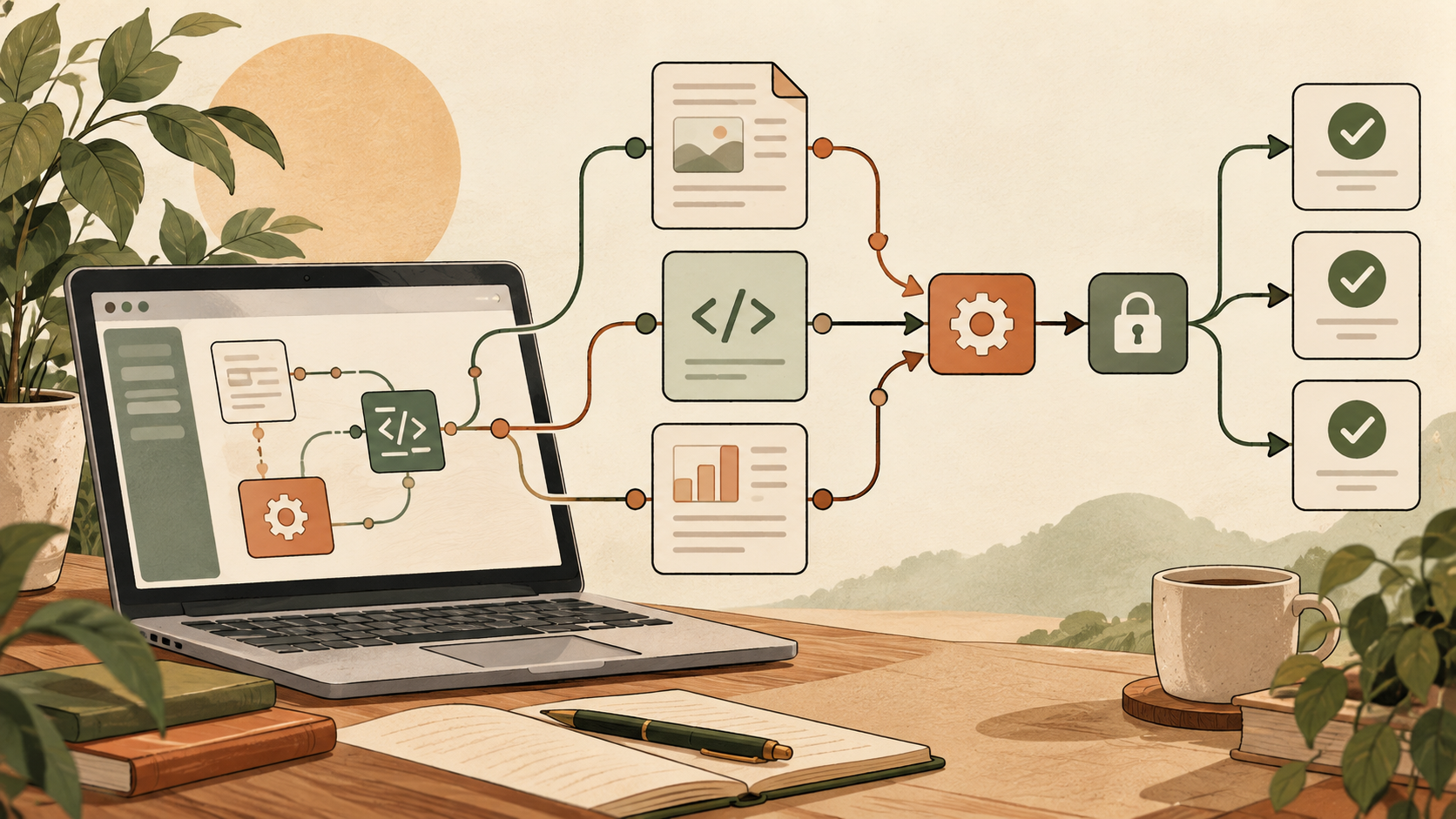
Generative AI can feel strange at first: the answer appears in seconds, sounds confident, and may be useful—but it may also be wrong. You do not need to become an engineer or learn a library of “magic prompts” to use it well. Start with a small, low-risk task and treat the result as a draft that a person must review.
What is generative AI?
Artificial intelligence is a broad term for computer systems that perform tasks associated with prediction, recognition, decision-making, or creation. Generative AI is the branch designed to produce new content. A conversational tool may generate an email, summary, lesson, or code sample. An image model may create a picture from a description. Other systems generate music, speech, or video.
| Type | Main job | Everyday example |
|---|---|---|
| Predictive or classification AI | Recognize, sort, or estimate | Spam filters, fraud alerts, photo recognition |
| Generative AI | Create new content | Drafting text, generating images, writing code |
| Rule-based automation | Follow predefined conditions | Form routing, scheduled replies, spreadsheet rules |
The instruction you give a generative AI system is often called a prompt. A prompt is not a spell. It is simply a request. The clearer you are about the task, audience, constraints, and desired format, the easier it is for the system to produce something useful.
How can AI sound right and still be wrong?
Large language models generate text by using patterns learned from enormous collections of data and the context in the current conversation. They predict a useful continuation; they do not automatically open an authoritative database and check every statement before answering.
That is why an AI can produce a polished explanation containing an invented quotation, a nonexistent study, an outdated product feature, or a wrong date. This behavior is commonly called a hallucination or confabulation. NIST’s Generative AI Profile treats confabulation and other information-integrity problems as risks that need to be managed.
What generative AI is good at
Creating a first draft
It can turn rough notes into an email, outline, social post, checklist, or meeting agenda. You can ask for a shorter version, a friendlier tone, or a version for a specific audience. This is often more valuable than asking it to produce a final answer with no human input.
Explaining and reorganizing
You can ask for a plain-language explanation, a comparison table, step-by-step instructions, or examples. If you provide your own notes, AI can group them into themes or extract action items. Remove private data and follow your employer’s rules before uploading documents.
Brainstorming options
Generative AI is useful when a blank page is the main obstacle. Ask for ten title ideas, three approaches to a presentation, questions to consider before a purchase, or several meals using ingredients you already own. The output becomes a menu of possibilities, not an order you must follow.
Practicing and learning
It can explain a concept at different levels, create practice questions, role-play a conversation, or give feedback on an answer. For formal education, follow the instructor’s AI policy and do not submit generated work as your own.
Working with images, audio, video, and code
Depending on the product, AI can generate or edit media and write software. These outputs still require review for accuracy, security, bias, rights, and unwanted similarities. Generated code should be tested; generated media should be checked before commercial use.
What you should not delegate blindly
- Facts: AI can invent details and citations.
- Current information: knowledge and browsing access vary by tool and plan.
- Professional judgment: medical, legal, financial, and safety decisions need qualified help.
- Responsibility: the person who sends, publishes, or acts on the output remains responsible.
- Privacy: data handling differs by service, account, and settings.
- Copyright clearance: an output appearing on your screen does not automatically make every use lawful.
- Your voice: generic drafts need editing to sound like you and reflect your actual experience.
Your first five steps
- Pick one small task. Rewrite a fictional email, brainstorm dinner ideas, or explain a term.
- Add the relevant context. Say who the output is for and what problem you are solving.
- Specify the format. Ask for bullets, a table, a 150-word answer, or three alternatives.
- Continue the conversation. Ask what is uncertain, request an example, or correct a misunderstanding.
- Review the result yourself. Check facts, tone, privacy, and rights before using it.
“Rewrite the message below for a customer who is not technical. Keep the date and price unchanged, use a calm and friendly tone, and stay under 150 words. If any detail is missing, ask me before inventing it.”
A simple prompt formula
You do not need every element every time. Start with these four:
| Element | Question to answer | Example |
|---|---|---|
| Task | What should the AI do? | Explain, compare, rewrite, brainstorm |
| Context | What does it need to know? | This is for a first-time customer |
| Constraints | What must it preserve or avoid? | Do not change dates; avoid jargon |
| Format | How should the answer look? | Five bullets, each under 20 words |
Beginner prompts you can copy
Explain an unfamiliar term
Explain “cloud storage” to someone who is uncomfortable with computers. Use one everyday analogy, define necessary technical terms, and finish with two examples.
Rewrite a message
Rewrite the message below so it sounds warm and professional. Preserve all dates, names, and amounts. Keep it under 180 words. [Paste a version with private details removed.]
Compare options
Compare options A and B for a beginner. Use a table with cost, setup time, learning curve, and main drawback. List any information you need before making a recommendation.
Brainstorm without losing control
Suggest ten low-cost video ideas for a local bakery. For each idea, include the goal, a 10-second opening, and what must be filmed. Do not invent claims about the business.
Separate facts from uncertainty
Separate your answer into: confirmed facts, reasonable inferences, and items I must verify. Link to primary sources when current information matters.
How to improve a disappointing answer
| Problem | Useful follow-up |
|---|---|
| Too complicated | “Rewrite this for a complete beginner and define every technical term.” |
| Too long | “Keep only the three decisions I need to make today.” |
| Too generic | “The audience is X, the budget is Y, and the deadline is Z.” |
| No visible evidence | “Separate fact from suggestion and give primary sources.” |
| Wrong tone | “Make it calm and direct, without hype or pressure.” |
| Invented details | “Do not fill gaps. Ask me questions when required information is missing.” |
Prompting is iterative. A weak first response does not mean you failed. Tell the system what was wrong, supply one missing constraint, and request a revised version. Keep the parts that work and edit the rest.
Privacy: what not to paste into an AI tool
Data practices differ between products, account types, enterprise agreements, and user settings. Before uploading real documents, read the service’s current privacy information and your organization’s policy. A safe beginner rule is to avoid entering information that would cause harm if exposed or reused.
- Passwords, one-time codes, API keys, or recovery codes
- Social Security, passport, driver’s-license, or bank details
- Medical records and private counseling notes
- Customer lists and confidential contracts
- Unreleased financial, product, or legal information
- Private photos or identifying data about another person
Replace real names with “Customer A,” remove addresses, and use placeholder numbers. For workplace use, choose approved tools and follow the company’s retention and access rules rather than making an individual assumption.
Copyright and ownership basics
AI does not erase copyright questions. You should consider the material used in your prompt, similarities in the output, the service’s terms, and how you plan to use the result.
In the United States, the Copyright Office’s 2025 report says purely AI-generated material is not protected simply because a person supplied prompts; copyright may cover human-authored expression, creative selection or arrangement, and meaningful human modifications, depending on the facts. This is a general summary, not legal advice.
- Do not ask for a near-copy of a living artist’s distinctive work.
- Do not upload copyrighted or confidential material unless you have the right and permission.
- Search for suspiciously similar wording, logos, characters, or images.
- Read the product’s current commercial-use terms.
- Document your human edits and creative decisions for important work.
- Consult a lawyer when rights are material to a business decision.
A practical fact-checking routine
- Highlight checkable claims. Mark names, dates, numbers, quotations, laws, and product specifications.
- Find the primary source. Use the service provider, government agency, original paper, or manufacturer.
- Open the source. A title or link generated by AI may be wrong or may not support the claim.
- Check the date and scope. A rule for ads may not apply to organic posts; a policy may apply only in one country.
- Ask for counterpoints. Request assumptions, uncertainty, and reasons the answer might be wrong.
- Get professional review when stakes are high. AI is not a substitute for a doctor, lawyer, accountant, or security professional.
Free or paid: how to choose your first AI tool
A free tier is enough for low-risk experimentation. Before paying, identify the job you want to improve. Compare tools on practical factors:
- Quality for your language and subject
- Current web research and source links
- File, image, audio, or video support
- Privacy controls and whether inputs are used for training
- Commercial-use terms
- Usage limits and total monthly cost
- Team administration and security if used at work
- Accessibility and ease of correcting an answer
Features and prices change often. Check the vendor’s current pages instead of choosing from an old comparison chart.
Three safe exercises for your first day
- Ask for five meals using fictional ingredients, then request a shopping list.
- Ask for a plain-language explanation of a non-sensitive topic, then verify it with an official source.
- Write a fictional announcement yourself and ask the AI for three clearer versions.
After each result, try one follow-up: “make it shorter,” “put this in a table,” “what could be wrong?” or “ask me two questions before revising.” This teaches the most important skill: using AI as an interactive drafting tool rather than an unquestioned answer machine.
Frequently asked questions
Is ChatGPT the same as generative AI?
No. Generative AI is the broader category. ChatGPT is one conversational product within it. Other tools specialize in text, images, audio, video, or code.
Is an AI answer the same as a search result?
No. Search primarily helps you find pages; a generative model composes a response. Some AI products include web search, but you still need to inspect the cited pages and dates.
Do I need to learn prompt engineering?
No. Begin with a clear task, context, constraints, and desired format. Domain knowledge, good judgment, and careful review are more important than memorizing prompt tricks.
Can I use AI-generated content commercially?
It depends on the service terms, your inputs, the output, applicable law, and the degree of human contribution. Review all of those before commercial use and get legal advice when the rights are important.
Can AI replace Google or professional advice?
No. It can help organize questions and explain concepts, but current facts should be checked at primary sources and high-stakes decisions should involve a qualified professional.
Bottom line
Generative AI is most useful when it reduces the friction of starting, comparing, explaining, and revising. It is least safe when a polished answer is treated as automatically true or private information is pasted without checking how it will be handled.
Start small. Give clear context. Ask the system to show uncertainty. Verify important claims. Then edit the output until it reflects your facts, judgment, and voice. That simple routine is more valuable than any “perfect prompt.”
Official sources
- NIST: Generative AI Profile (NIST AI 600-1)
- U.S. Copyright Office: Copyright and Artificial Intelligence
- U.S. Copyright Office: Copyrightability report, Part 2
Last reviewed: August 27, 2026. AI products, features, pricing, terms, and law can change. This article provides general information, not medical, legal, or financial advice.