Gemini Spark: How to Automate Tasks and Recurring AI Workflows
Last verified: August 30, 2026
What is Gemini Spark?
Spark is designed for work that continues over time rather than one prompt. You describe a goal, approved sources, schedule, and output. Examples include a recurring news digest, inbox cleanup, or cited research updates. Spark schedules are different from scheduled actions in ordinary Gemini chats.
Availability update, October 15, 2026: Google’s current help calls this task mode and workflows in Gemini. It requires a personal account, age 18+, Google AI Pro or Ultra, Keep Activity and Personal Intelligence. The help lists exclusions for the EEA, Nigeria, Switzerland and the UK. Local Chrome work requires the device and Chrome to remain awake; remote-browser work has different conditions. Current task documentation.
Current requirements
| Requirement | Current rule |
|---|---|
| Age | 18 or older |
| Account | Personal Google Account; work and school accounts are not currently supported |
| Plan | Google AI Pro or Ultra |
| Activity | Keep Activity must be on |
| Availability | Varies by rollout, country, and language |
How to create a Spark workflow
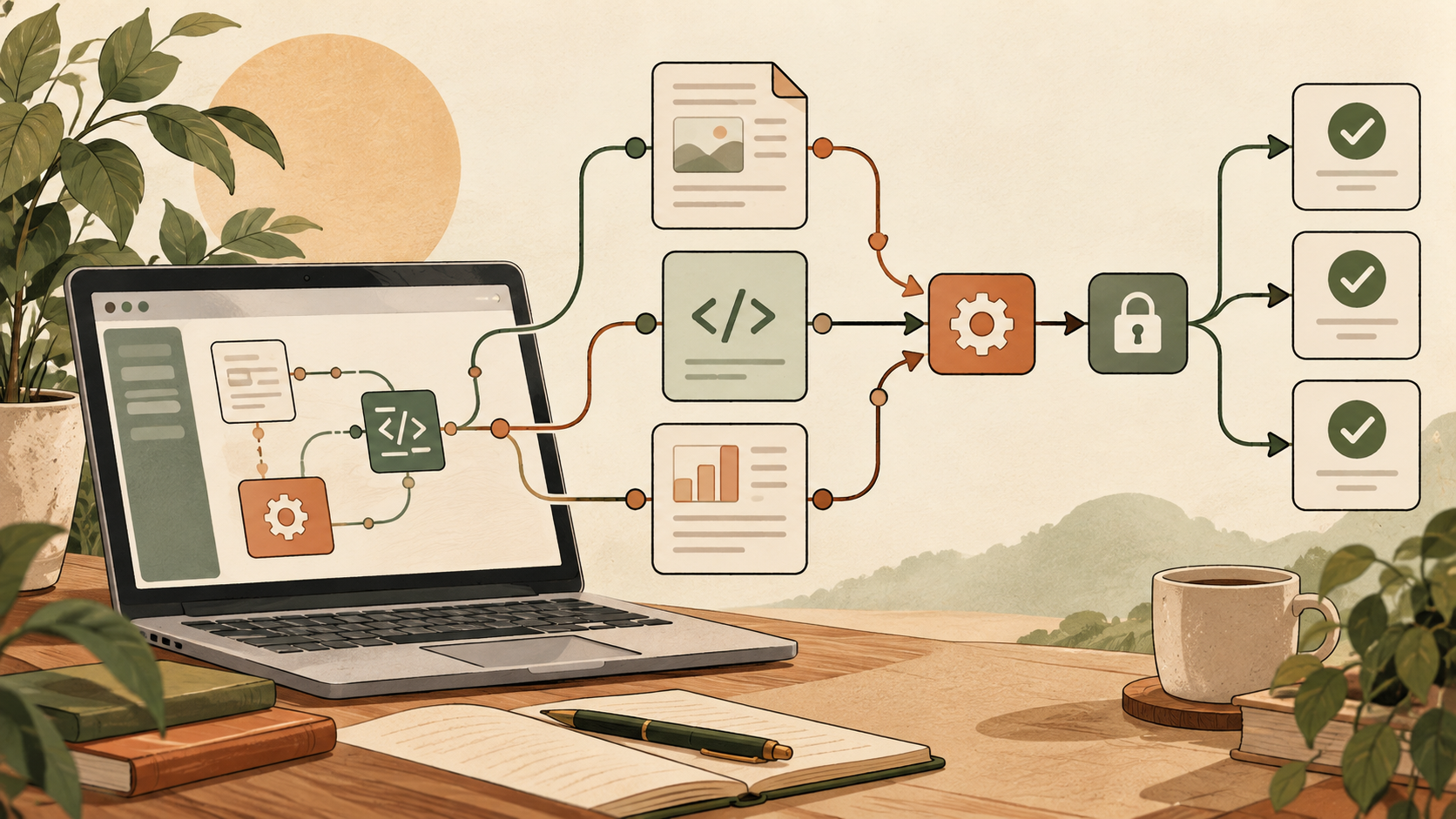
- Open Gemini and locate Spark.
- Describe one measurable goal.
- Name approved sources such as selected Gmail labels, apps, or public sites.
- Define the frequency, time window, and output format.
- State what Spark must not send, delete, archive, or change.
- Review a preview or first run.
- Enable ongoing execution only after the result is correct.
Reusable prompt template
Goal: [specific outcome]
Sources: [approved apps, folders, or sites]
Schedule: [frequency and time]
Output: [format and length]
Rules: [include and exclude]
Actions: Draft only; do not send, delete, archive, or purchase
Verification: Cite sources and flag uncertainty
Useful workflows
Daily industry briefing
Track a narrow set of topics and request five developments with source, date, why each matters, and one action item. A broad “AI news” request usually produces noise.
Inbox triage
Start with classification instead of deletion. Have Spark label likely newsletters, receipts, and urgent messages, then review the groups before permitting archive or unsubscribe actions.
Competitive research
Track official pricing, documentation, and release notes. Require a before-and-after summary and exact source date so stale information is visible.
Project follow-up
Summarize decisions and open tasks from connected sources. Tell Spark not to invent an owner or deadline when neither exists.
Privacy and control
Spark may use personal data and connected services. Keep the scope small: a dedicated folder or label is safer than a broad mailbox or drive connection. Review Gemini privacy settings and avoid irreversible autonomous actions until a workflow has a reliable history.
Spark vs scheduled chats
A scheduled chat runs a prompt at a chosen time. Spark is intended to manage a broader continuing workflow, pull context from multiple sources, and follow a goal over time. Use a scheduled chat for a simple reminder; use Spark for recurring research or cross-app processing.
FAQ
Can I use Spark with a work account?
Google currently says Spark is not available for work or school accounts.
Is it included in the free plan?
Google currently requires Google AI Pro or Ultra.
Why can’t I find Spark?
Check account type, plan, age, Keep Activity, country, language, and rollout status.
Can it delete or send things?
Capabilities depend on connected apps. Begin with read-only or draft-only behavior and inspect proposed actions.
Official sources
Bottom line: Give Spark a narrow goal, approved sources, explicit exclusions, and a review step before ongoing actions.